

Your security options shouldn’t be limited to the company you work with.
Most of our competitors are forced to sell products they manufacture themselves. This limits the options they can offer you. At Omega Security, we have access to every product on the market. That coupled with 34 years of experience means you always get the best product for your needs and budget.
- + Commercial & Residential systems
- + The latest in security, fire & home automation
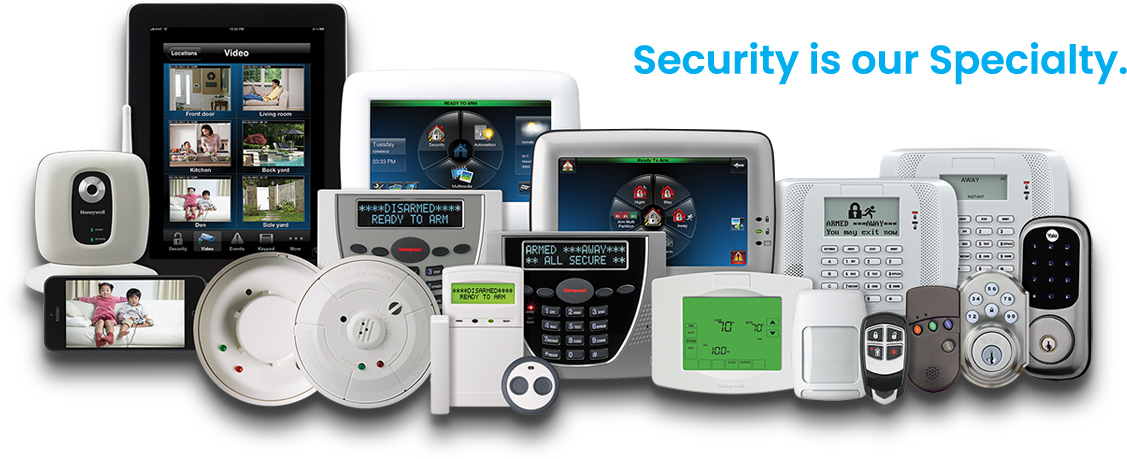
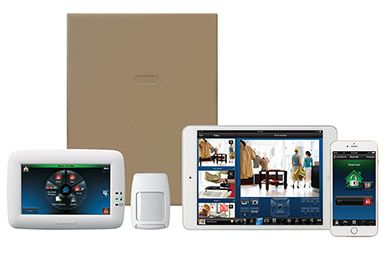
- + Control everything from your phone, tablet or computer
- + Receive alerts when your system is armed and disarmed
- + Track employee access by assigning specific passcodes
- + FREE On-Site walk-through & estimate
- + Design & Installation of new systems
- + Takeover your existing system
FREE.
ONSITE.
ESTIMATE.
Call (888) 680-0040 or fill out the form below and an Omega Security Specialist will contact you shortly to set up a free onsite evaluation at your convenience.
Monitor Your Property From Anywhere
We know securing your property can be confusing and frustrating. That’s why our security systems work with your lifestyle and integrate with today’s technology.
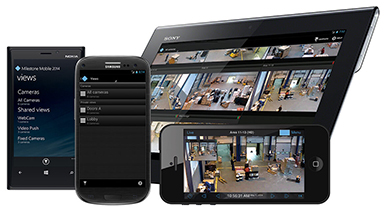
Keep an Eye on Your Property
We know poor quality cameras lead to doubt about the security of your property. Feel secure about your property with our wide range of powerful and affordable HD security solutions.
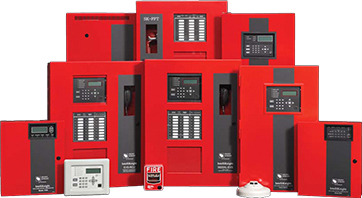
Protect Your Property from Fires
We know protecting your property from fires can be a scary task. That’s why we stay up-to-date with the latest fire alarm codes, ADA requirements and possess National Institute for Certification in Engineering Technologies (NICET) certifications.
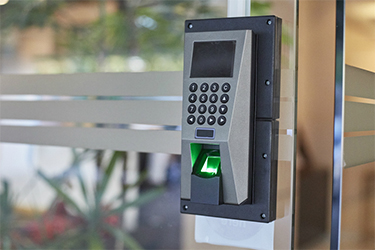
Control Access Within Your Facility
We know employees are a huge liability for employers. Our access control systems deter theft by restricting certain areas to authorized personnel only.
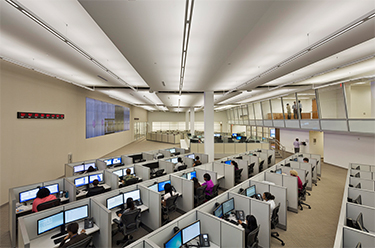
24/7 Monitoring
We know security systems alone won’t completely protect you from mayhem. Our systems pair perfectly with 24/7 monitoring services, so you can be sure you’re covered at all times.
Waste Management
“We’ve entrusted Omega Security Systems to monitor our northeast regional facilities since 1987. Their camera systems allow us to view each one of our sites from our corporate headquarters in Houston, Texas. Omega Security System’s fire alarm, intrusion protection and card access systems are excellent and they are a dedicated customer service organization.”
– Waste Management Corporate Security

The Omega
Security Difference
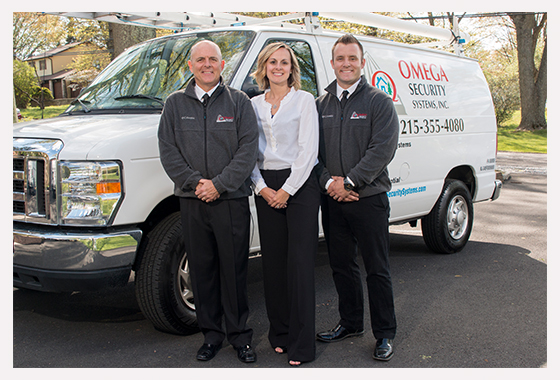
We’re a family-owned company, dedicated to protecting your business and home like they’re our own since 1986.
Unlike our national competitors we are not required to sell a specific brand of product or service. This gives us access to a variety of solutions that we can tailor to your needs and budget.
We understand that every home and business is different which is why we always complete an on site evaluation before you purchase anything.
Certifications & Awards